What Is a Social Media Management Tool? Features, Benefits, and How to Choose One
A complete guide to social media management tools: what they do, the core features to look for, who needs one, and how to choose the right platform for your team.
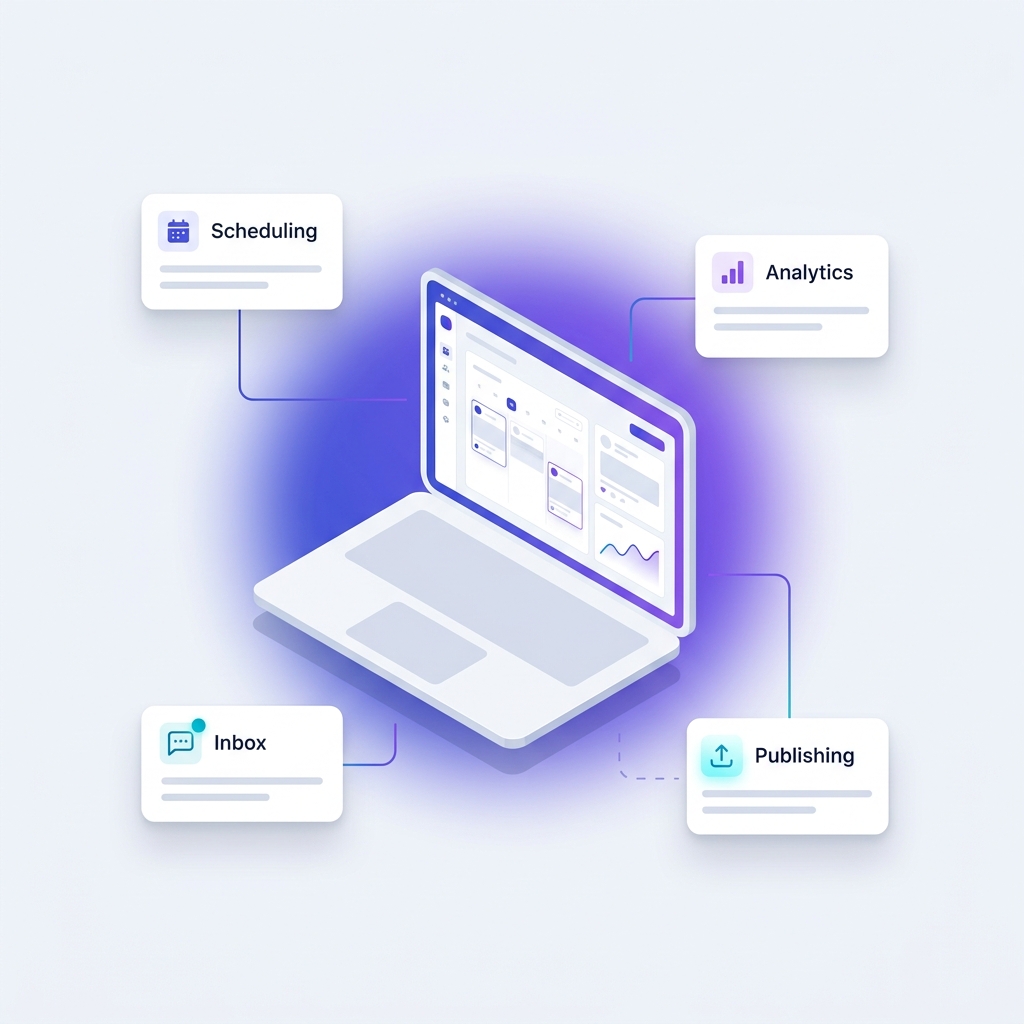
A social media management tool is software that lets you plan, schedule, publish, and analyze content across multiple social networks from a single dashboard. Instead of logging into each platform separately, you manage Instagram, Facebook, LinkedIn, TikTok, X, and more in one place, with added features for team collaboration, audience engagement, and performance reporting. This guide explains exactly what these tools do, who needs one, and how to choose the right fit.
What does a social media management tool do?
At its core, a social media management tool centralizes the repetitive, time-consuming work of running social accounts. The most common capabilities include the following:
- Scheduling and publishing: Queue posts in advance across multiple platforms and let them publish automatically at the times you choose.
- Content calendar: See everything planned in a visual calendar so your team knows what is going out and when.
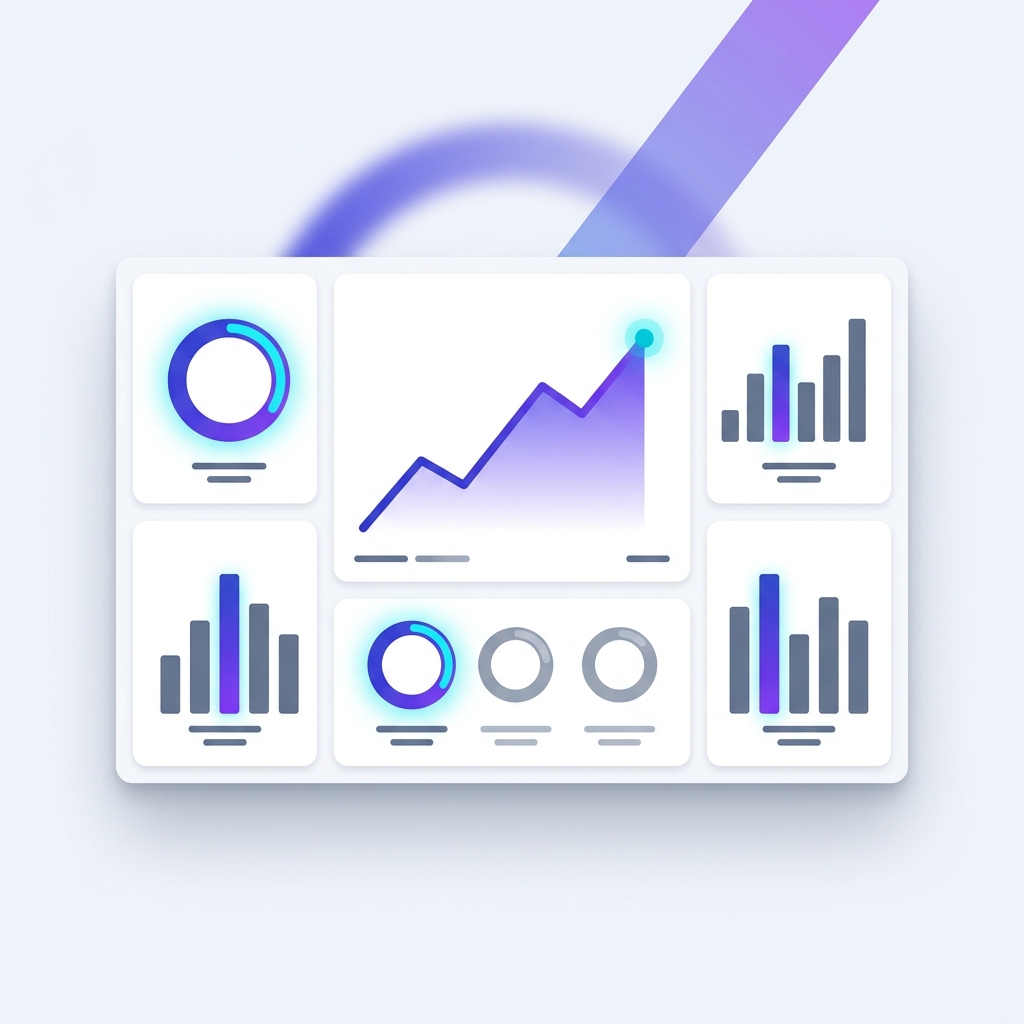
- Analytics and reporting: Track engagement, reach, follower growth, and click-through rates, and export reports for stakeholders.
- Engagement and inbox: Read and reply to comments and messages from one unified inbox instead of jumping between apps.
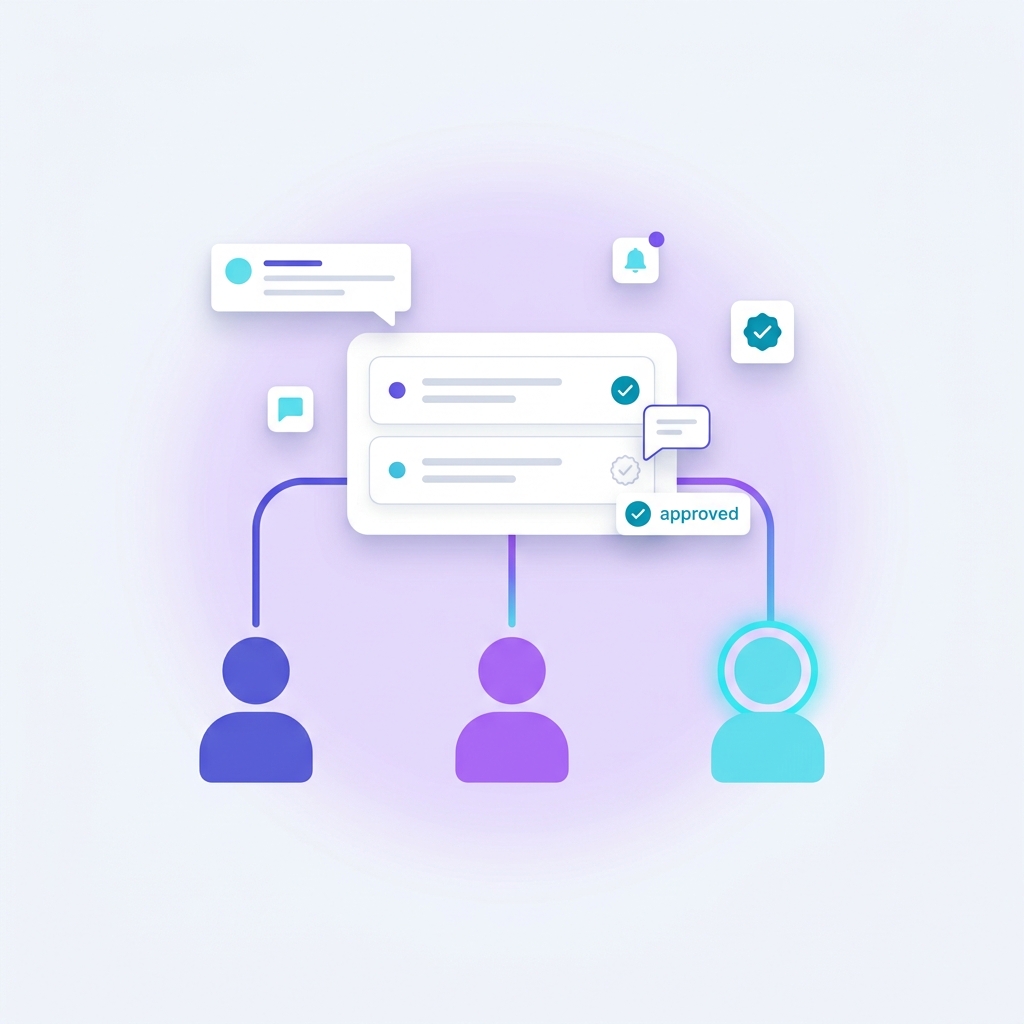
- Team collaboration: Assign roles, route drafts through approval, and keep everyone working from the same source of truth.
Who needs a social media management tool?
Anyone managing more than one account or posting more than a few times a week benefits from a management tool. Small business owners use them to stay consistent without spending hours each day in the apps. Marketing teams rely on them to coordinate campaigns and maintain brand standards. Agencies use them to manage many client accounts at scale, and creators use them to batch content and protect their time. If you find yourself forgetting to post, losing track of messages, or copying captions between platforms by hand, you have outgrown manual posting.
What are the main benefits?
The benefits compound over time. You save hours every week by batching and scheduling instead of posting live. You stay consistent, which is the biggest driver of audience growth. You make better decisions because analytics show what actually works rather than what you assume works. And you reduce errors and miscommunication because approvals and a shared calendar replace scattered messages. For teams, the tool becomes the operating system for everything social.
What features should I look for when choosing one?
Not every tool is right for every user, so match features to your situation. Prioritize the following when comparing options:
- Supported platforms: Confirm it covers every network you actually use, including newer ones like TikTok and Threads.
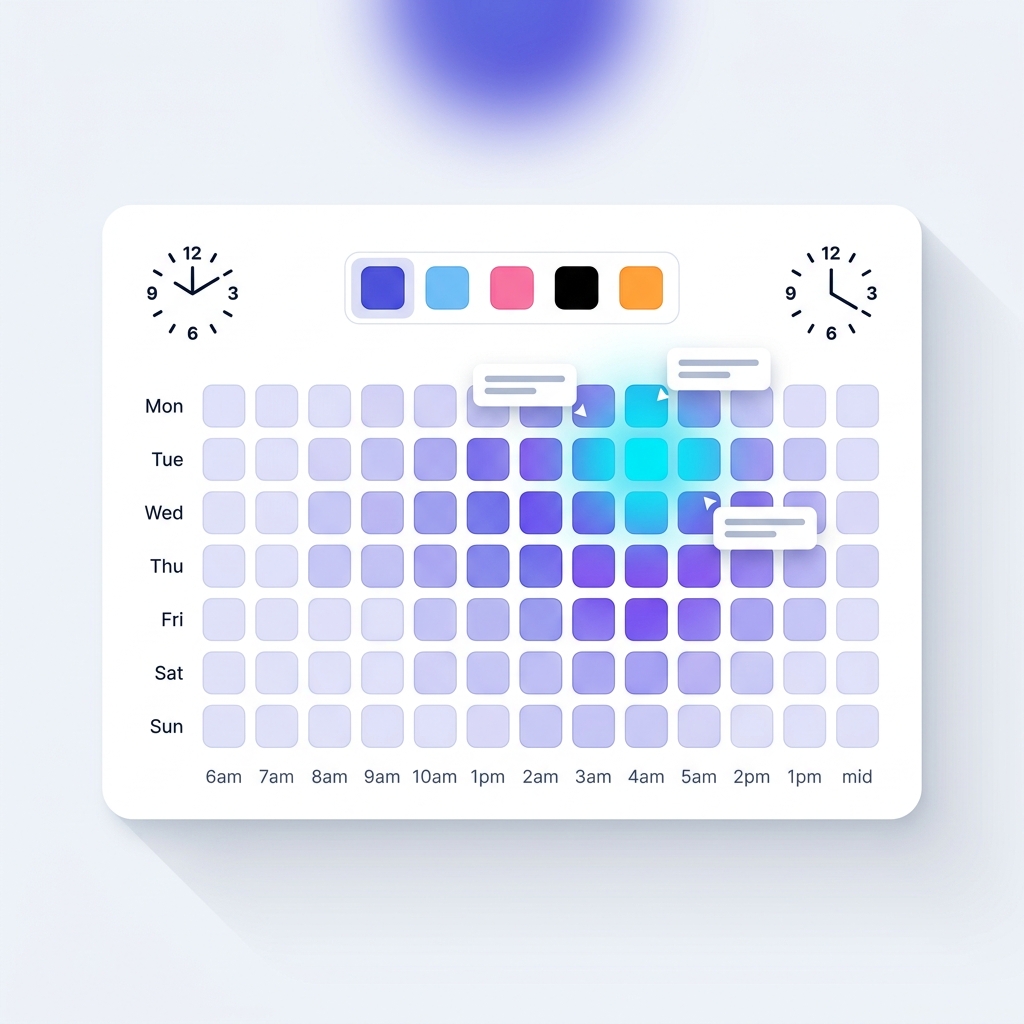
- Ease of scheduling: Look for bulk scheduling, a visual calendar, and best-time recommendations.
- Analytics depth: Make sure you can measure the metrics that matter to your goals, not just surface-level vanity numbers.
- Collaboration and permissions: Essential if more than one person touches the accounts.
- Pricing that scales: Choose a plan that fits today and has a clear path as you add accounts or team members.
- Support and reliability: Failed posts cost you reach, so uptime and responsive support matter.
How much does a social media management tool cost?
Pricing ranges widely. Many tools offer a free or low-cost starter tier for individuals managing a handful of profiles, while plans for growing teams typically fall in the range of a modest monthly subscription per user or per set of social accounts. Agency and enterprise plans cost more but add advanced reporting, more accounts, and tighter collaboration controls. The right question is not which tool is cheapest, but which one saves you the most time and drives the most growth relative to its price.
Frequently asked questions
Is a social media management tool worth it?
For anyone posting regularly across more than one platform, yes. The time saved on scheduling and reporting alone usually outweighs the subscription cost, and the consistency it enables drives measurable audience growth.
Can these tools post to every platform automatically?
Most support automatic publishing to major networks. A few platforms occasionally require a confirmation step due to their own restrictions, but the leading tools automate the vast majority of posting.
Do I still need to be active on social media if I use a scheduler?
Yes. Scheduling handles publishing, but genuine engagement, replying to comments, and joining conversations still require a human. The tool frees up your time so you can focus on exactly that.
What is the difference between a scheduler and a full management platform?
A scheduler only queues and publishes posts. A full management platform adds analytics, a unified inbox, team collaboration, and approval workflows, making it suitable for businesses and teams rather than just individuals.